
Guide
Gate sign-up & KYC guide
Create a Gate account through TetherBase, find the identity-verification button, and complete KYC. Verified, referral-linked accounts are the only ones we can pay back.
Frequently asked
Step by step
- 01
Fill in the sign-up form
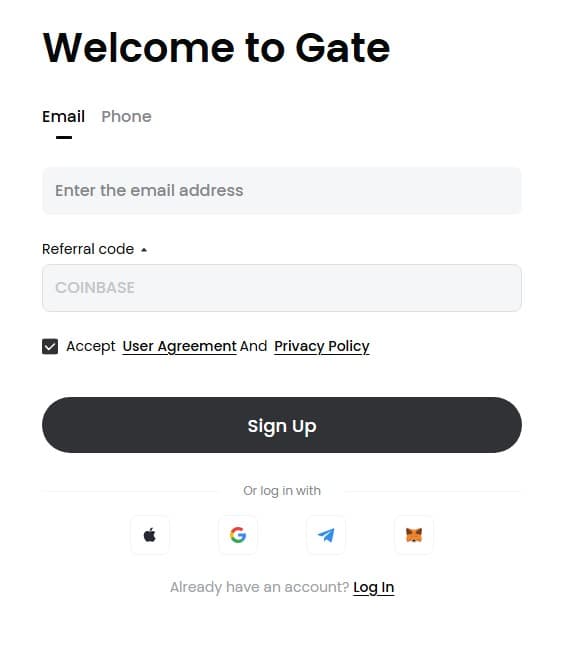
Type the email and password you want to use, accept the terms, then tap “Sign Up”.
- 02
Enter the email verification code
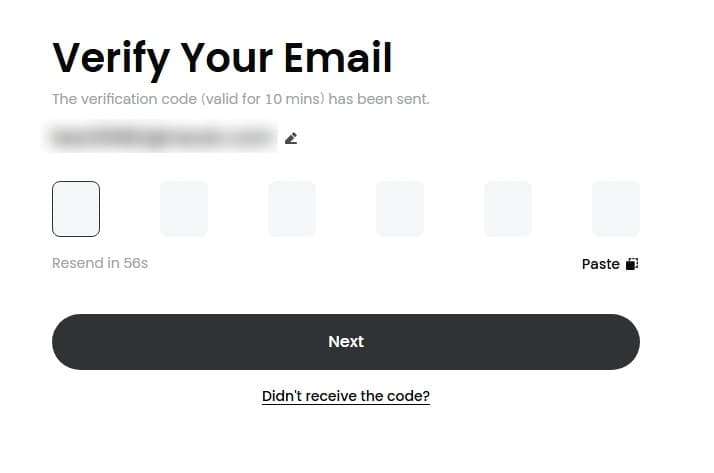
Enter the 6-digit code sent to your email.
You can resend the email after one minute.
- 03
Sign-up complete
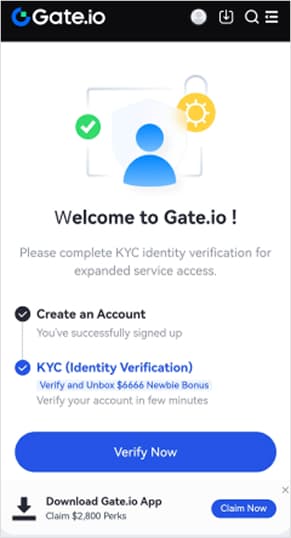
On the completion screen, tap “Verify Now”.
We recommend completing KYC after installing the app.